Docker images
Pre-configured environments with carefully selected tools, powerful utilities, and an overall familiar environment.
Offensive security environments running through Docker. Containerized, fast, powerful.
Exegol Workstation regroups three main components: maintained Docker images packed with offensive tooling, a CLI wrapper that manages containers like lightweight VMs, and offline resources shared into every box. Together they give you a clean, ready lab per engagement without rebuilding a distro.
Pre-configured environments with carefully selected tools, powerful utilities, and an overall familiar environment.
A unified Python interface to manage the rest, similarly to how virtual machines would be managed, but in a simple command-line interface. Runs on Linux (preferred), macOS, or Windows. On top of your OS
Curated collection of tools you may need on a target machine (e.g. enumeration and exploitation scripts. Updated monthly. Shared with containers at /opt/resources.
You do not install a toolbox before you start. A few of the names that ship inside every Exegol image, installed and on your path the second the container is up. List all the tools.
Exegol Workstation is independent. Other products, such as Exegol Studio (the Integrated Hacking Environment), Exegol MCP (so an LLM can drive containers without living on the host) and Exegol Sentinel (structured command logs into your SIEM), extend on Exegol Workstation and use it as backend. It all starts with Workstation.
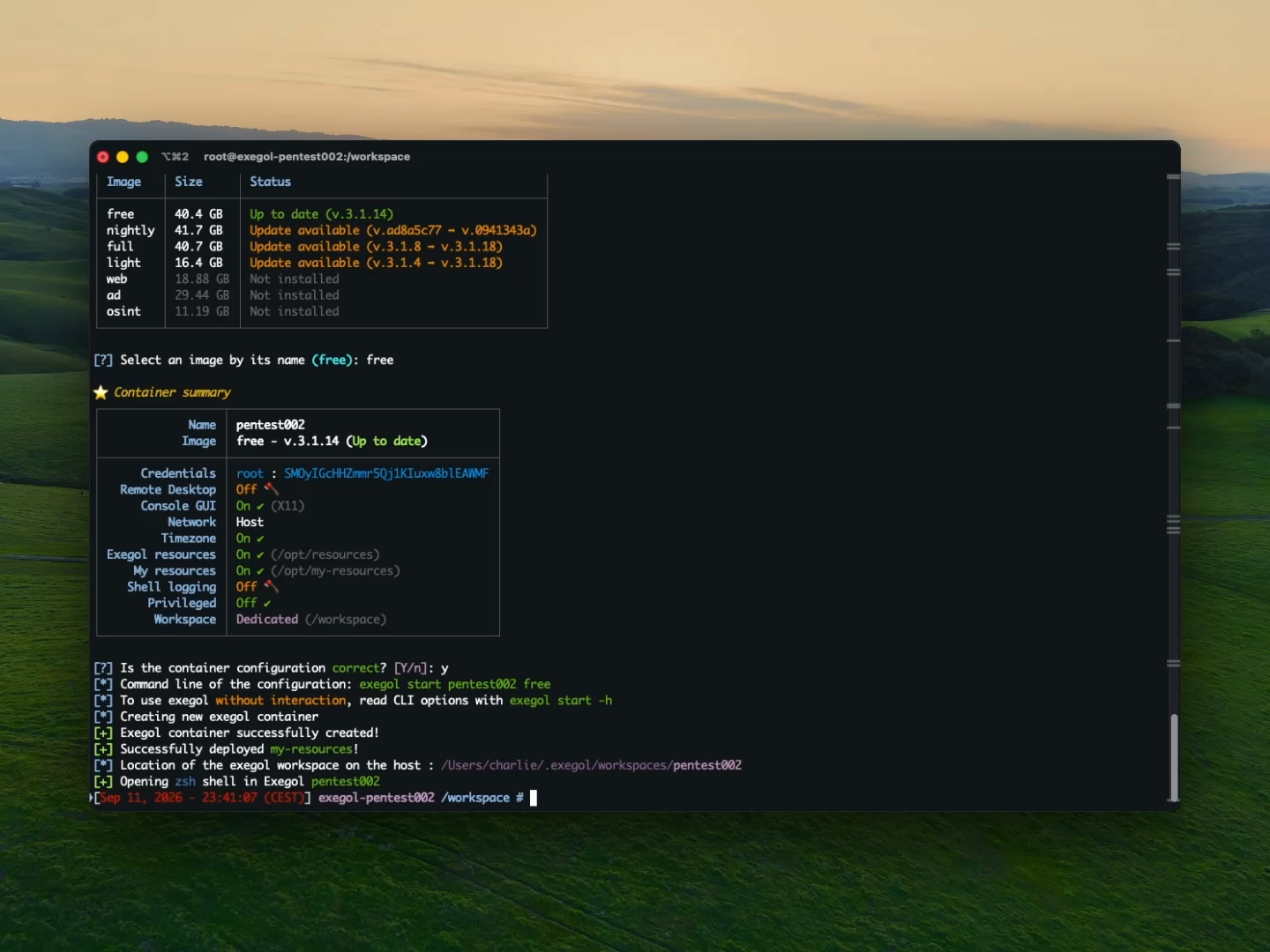
Dedicated containers, ready to hack, in seconds. With the proper configurations or custom user setup.
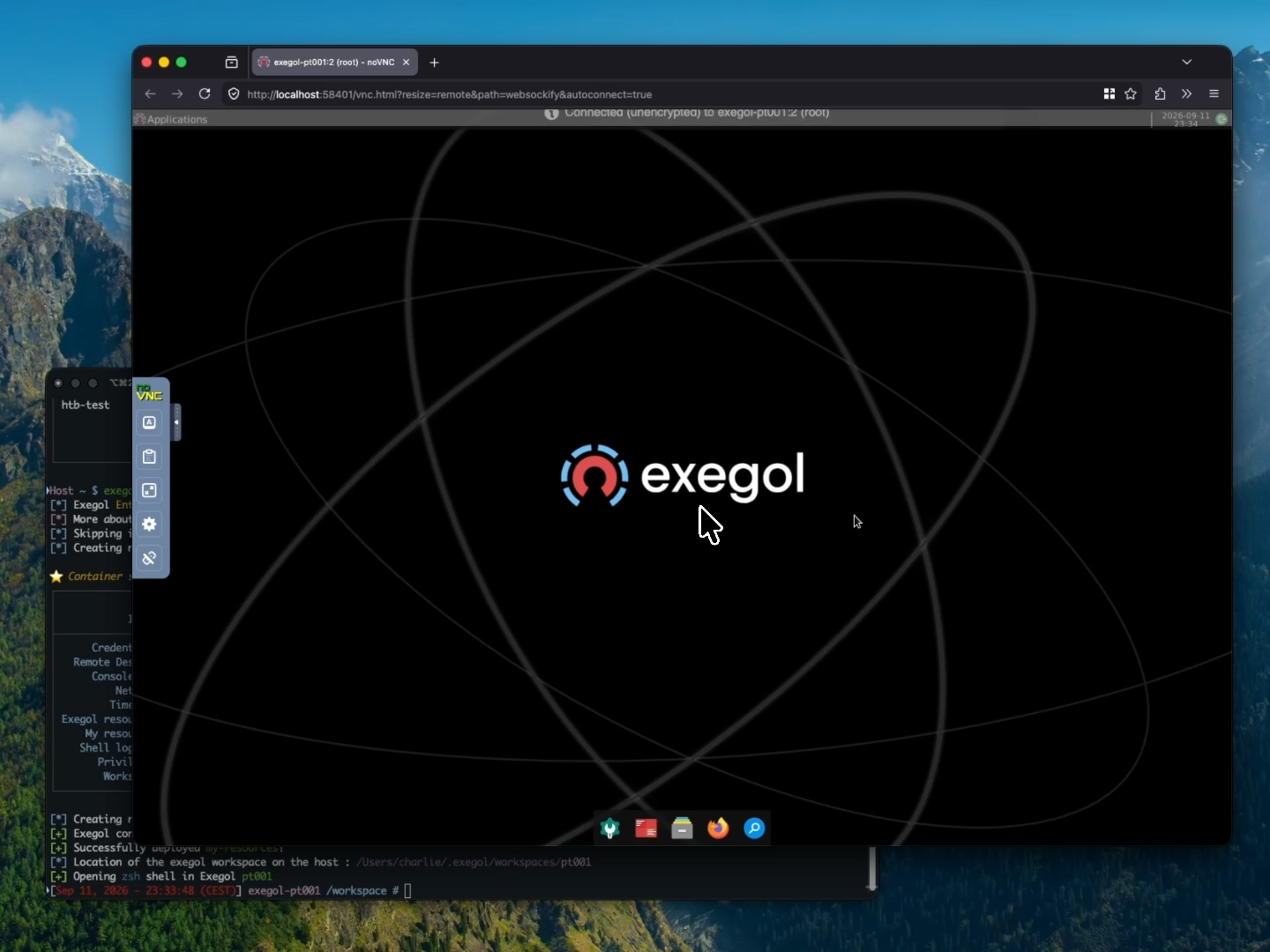
Run a full desktop environment, with a GUI, and all the tools you need from your browser or from a VNC client. You could also do that remotely.
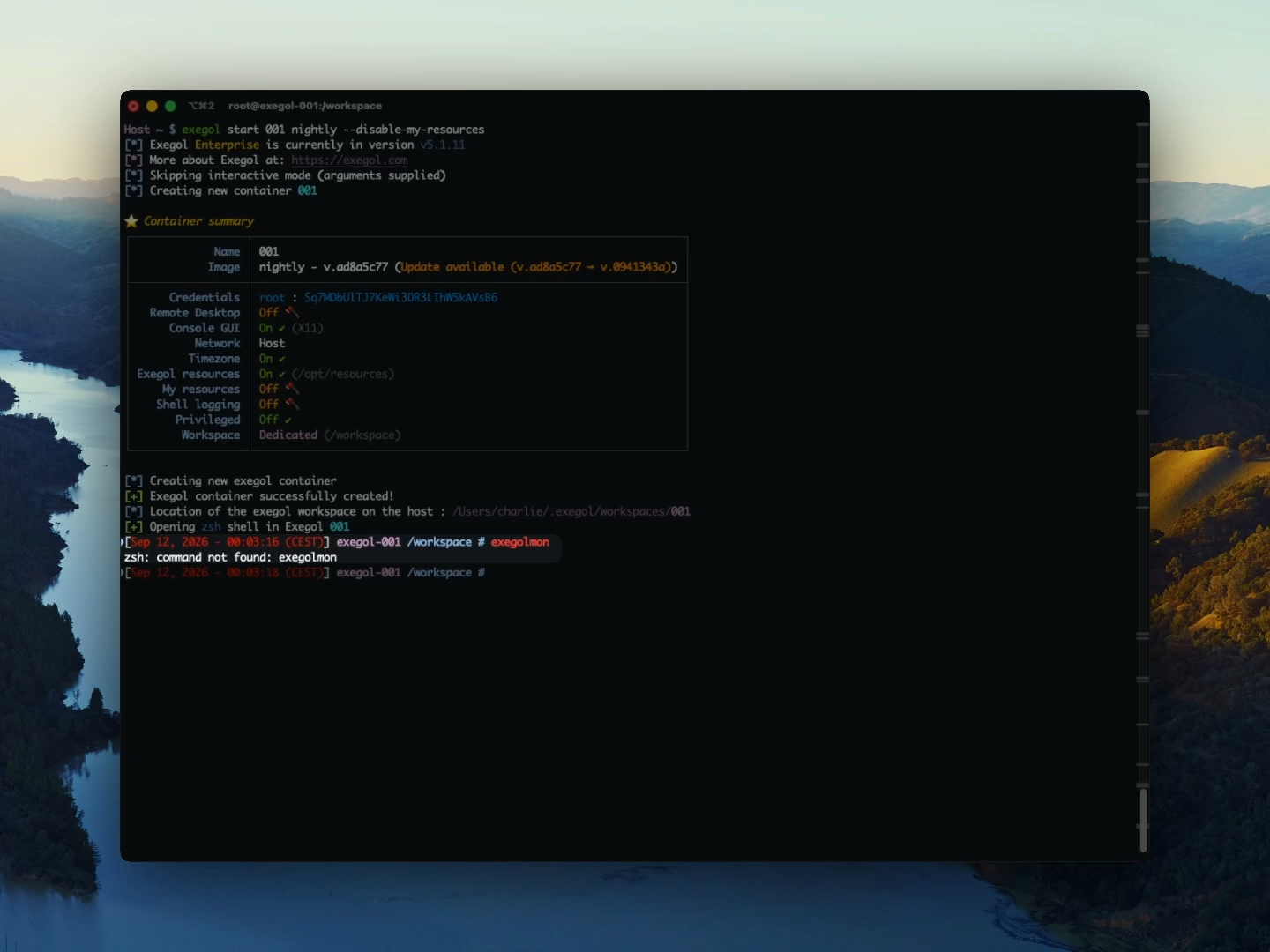
"Exegol is fine and all, but I can't have my own tools and resources." Yes you can, with 'my-resources'! Apply your own config to all your containers.
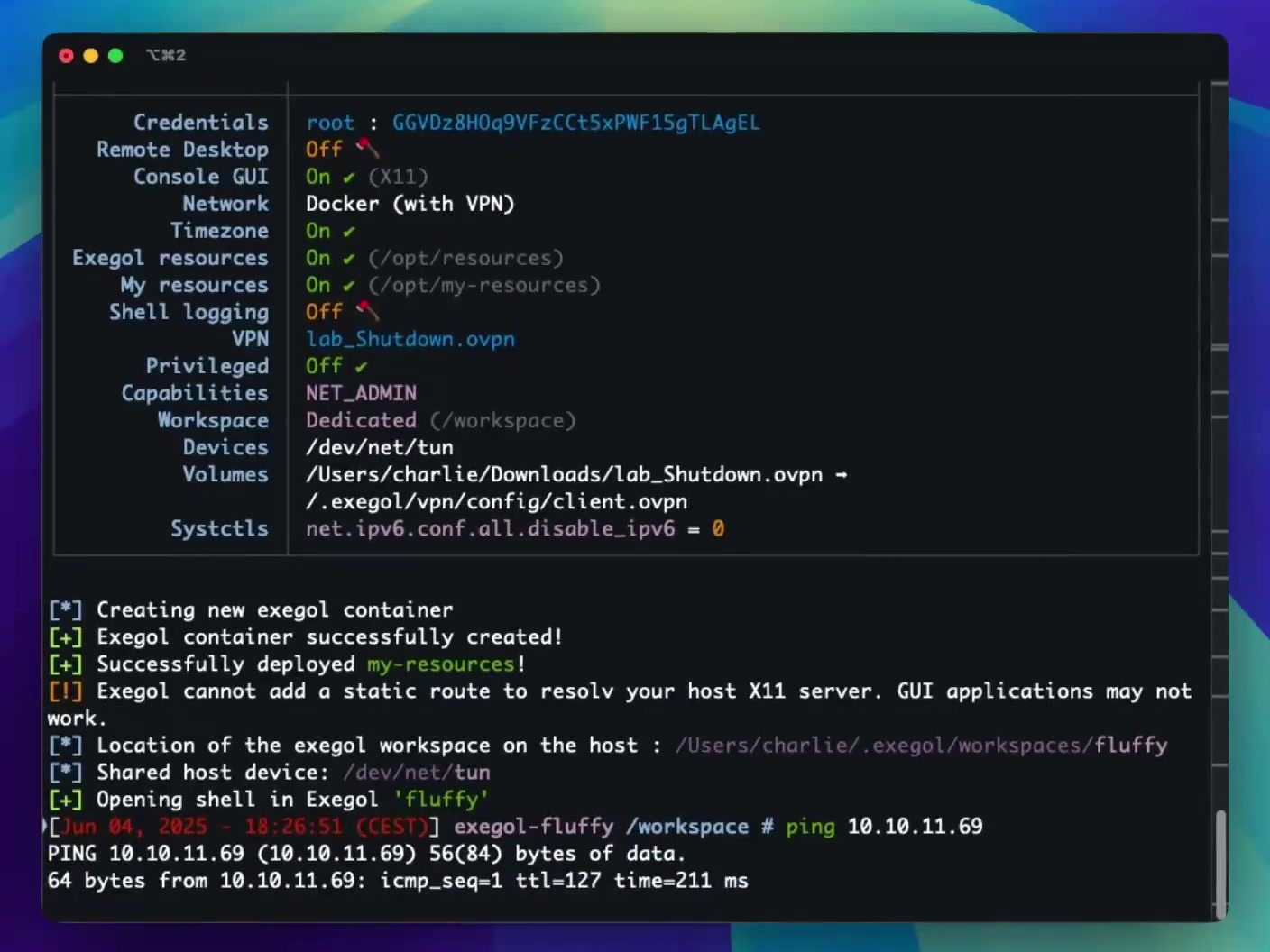
Easily configure your containers to use such or such VPN configuration, without exposing your host to that foreign network.